
Scarmonde
8-Bit Styled dungeon-crawler wherein you assemble a party from 12 Classes to brave The Depths in search of the Dragon God's Sacred Treasures!
About Scarmonde
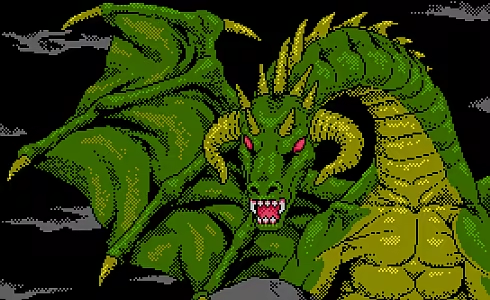
The God of Dragons beckons you to Scarmonde.
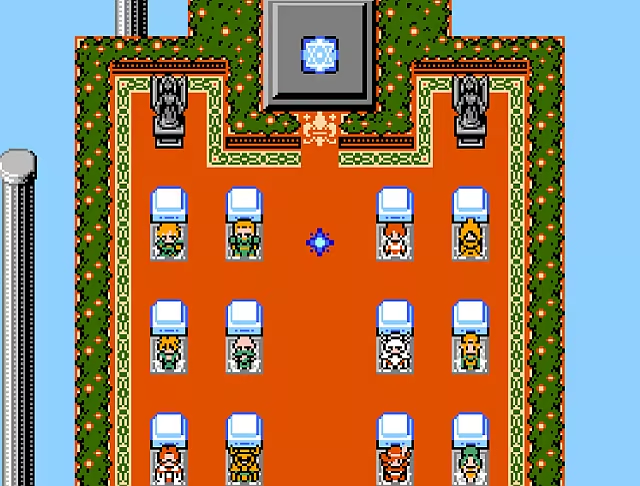 Gather your most trusted and skilled companions, then brave The Depths to locate each of the Dragon God's Sacred Treasures. Legends say paradise awaits the one who gathers all three, but will you and your band of adventurers be the first to have their wildest dreams become their new reality?
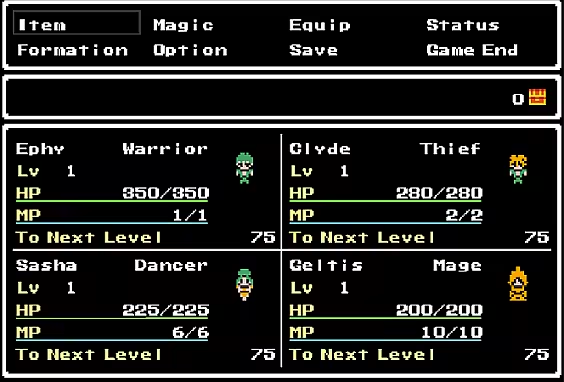
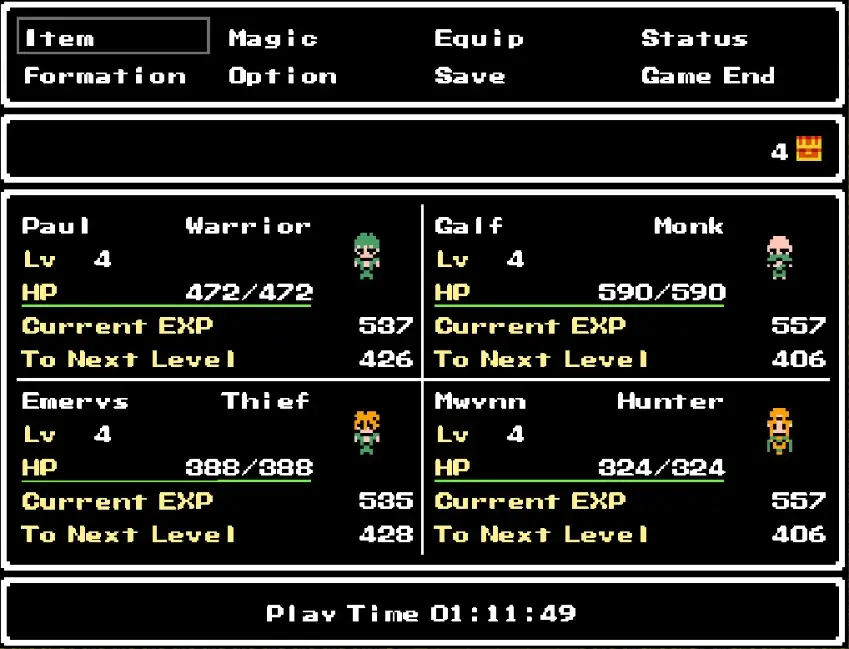
Before departing into The Depths below Scarmonde, you're tasked with assigning each of your nameless companions a Class. There are 12 Classes to choose from, all designed after the classic Knights, Clerics, and Thieves we all know and love.
The Classes you'll be able to mix-and-match to forge your ultimate team of adventurers is as follows:
The Knight.
The Warrior.
The Cleric.
The Mage.
The Thief.
The Monk.
The Paladin.
The Hunter.
The Sage.
The Duskar.
The Bard.
The Dancer.
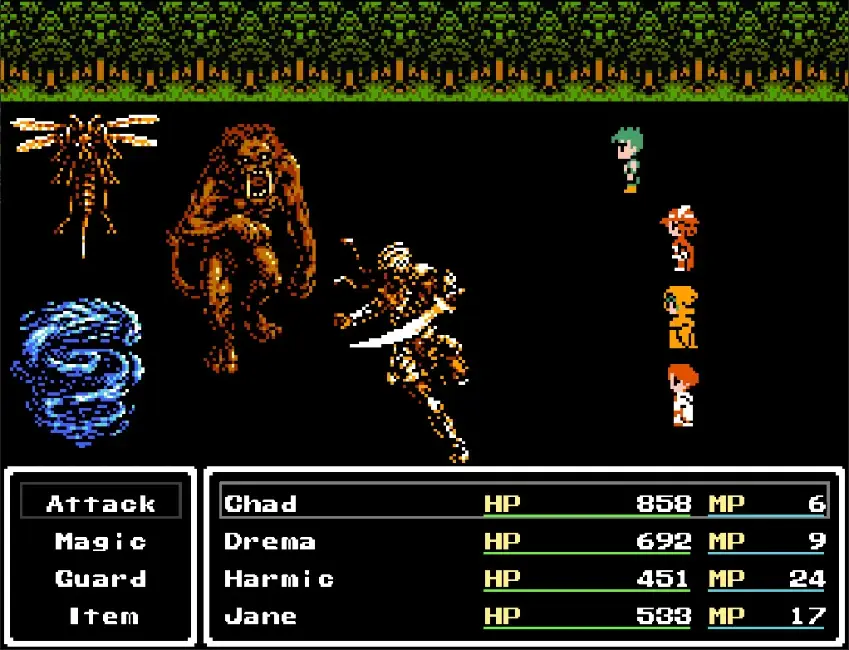
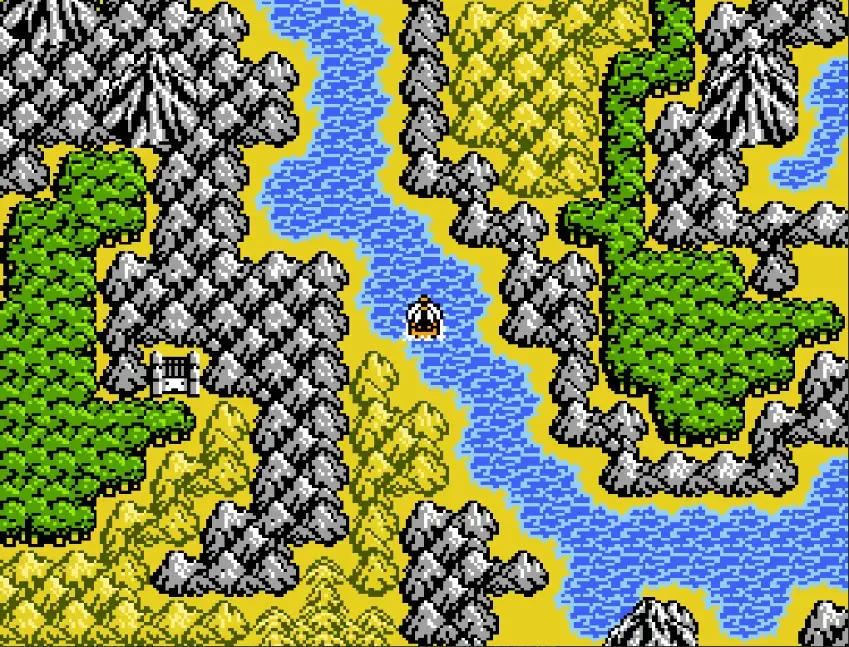
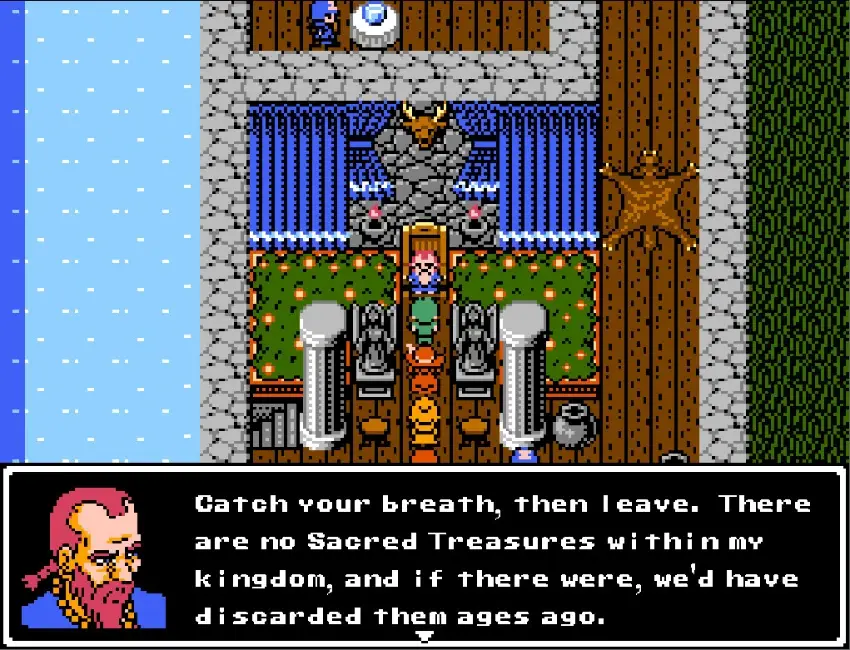
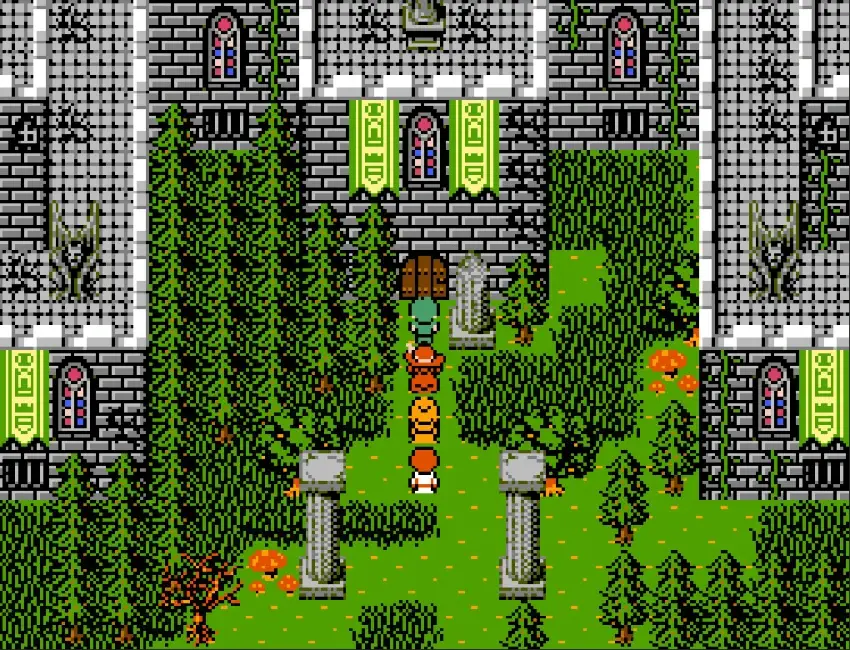
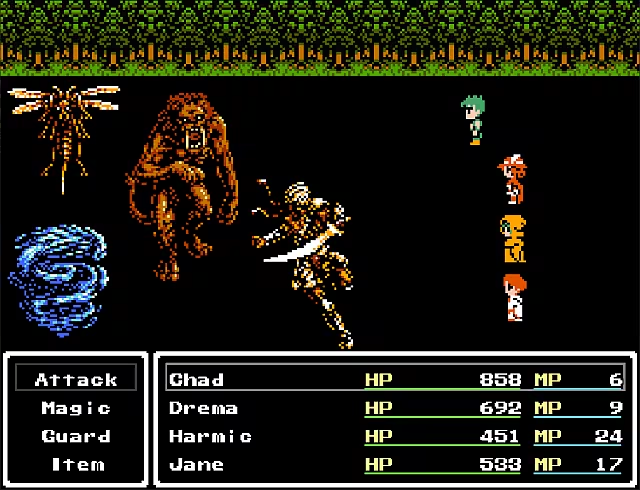 In this retro-styled RPG adventure, you're immediately thrust into the world and made to fight for your lives! Although the graphics may say otherwise, there's many modern conveniences to aid you on the journey to acquiring all the Sacred Treasures.
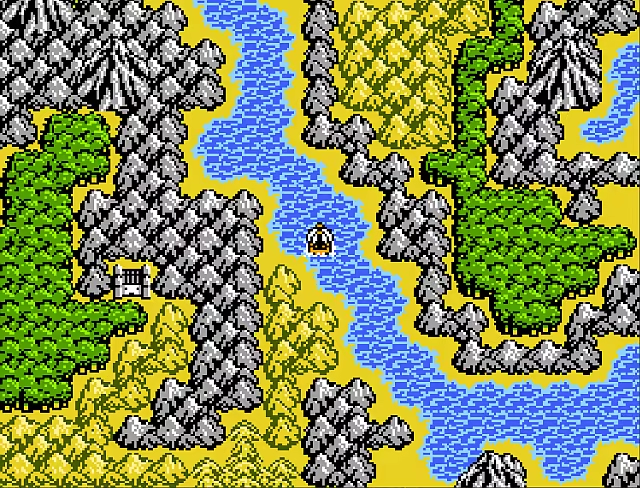 This game is being made for anyone who just wants to jump right into a classical RPG experience without any of the thick layers of story and dialogue bogging them down. If you're here, you're here for the gameplay!
KEYBOARD CONTROL SCHEME AND INSTRUCTIONS ON HOW TO ACTIVATE WINDOWED/FULLSCREEN MODE:
"Spacebar" = Confirm/Talk.
"X" Key = Open/Exit Menu.
"Arrow/Directional" Keys = Move character.
""Q and W" Keys while Equipment Screen is open = Switch between Characters.
CONTROLLER CONTROL SCHEME AND INSTRUCTIONS ON HOW TO ACTIVATE WINDOWED/FULLSCREEN MODE:
Triangle or Y Button = Open Menu.
Circle or B Button = Cancel/exit.
X or A Button =Confirm/talk.
Square or X Button =Run/Dash.
You can activate Windowed Mode/Fullscreen Mode by pressing the Function (Fn) key and then F4. Doing so again will put you back into Windowed/Full-Screen Mode.
Be part of the conversation — Login to leave a comment